Spreadsheet Templates for Google Sheets & Excel
Buy spreadsheet templates online that are built for real jobs: tracking income and expenses, pricing products, logging mileage, quoting work, chasing invoices, keeping the books, tracking sales, planning a wedding budget and running short-term rentals. Every Sheetsmith Studio template is made for Google Sheets & Microsoft Excel. You get an Excel (.xlsx) file plus a PDF with a Google Sheets "Make a copy" link and setup steps. Formulas are tested before release, check columns flag typos instead of quietly counting them, and formula cells are locked against accidental edits (no password, so you can unlock them anytime). Each template opens on a Start Here tab with step-by-step instructions. Prices run from $7 to $34, with an instant digital download and no subscription. Our templates are organizing tools, not tax, legal, accounting or financial advice.
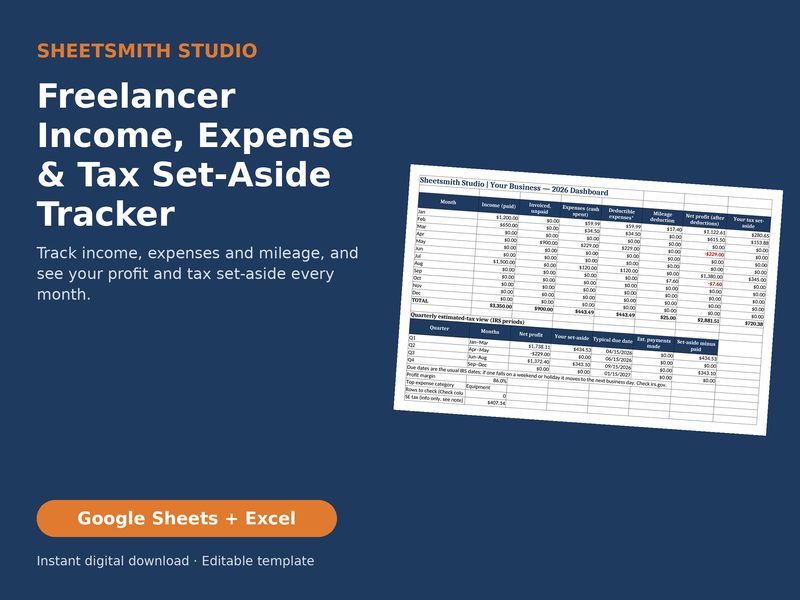
Freelancer Income Expense Tax Tracker
Know what you earned, what you spent and what to set aside, every month.
$16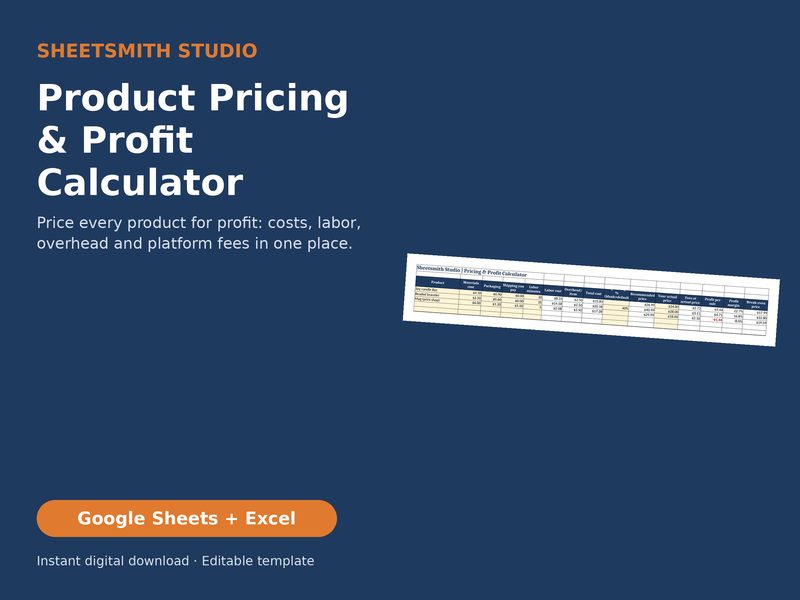
Product Pricing Profit Calculator
Stop guessing your prices. See the price that hits your target margin, based on your inputs, after materials, labor, overhead and fees.
$14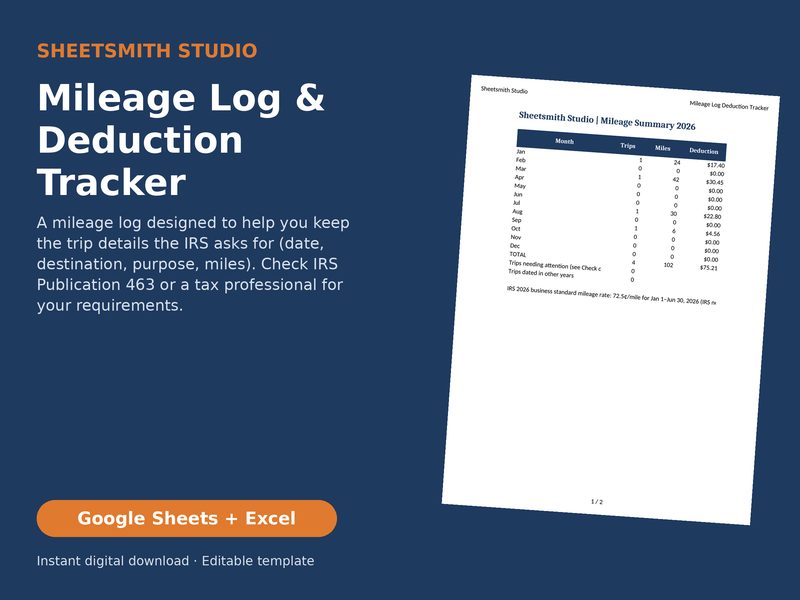
Mileage Log Deduction Tracker
A simple, organized mileage log that applies the 2026 IRS rate you set by trip date, designed to help you keep the trip details the IRS asks for (check IRS Publication 463 or a tax professional for your requirements).
$7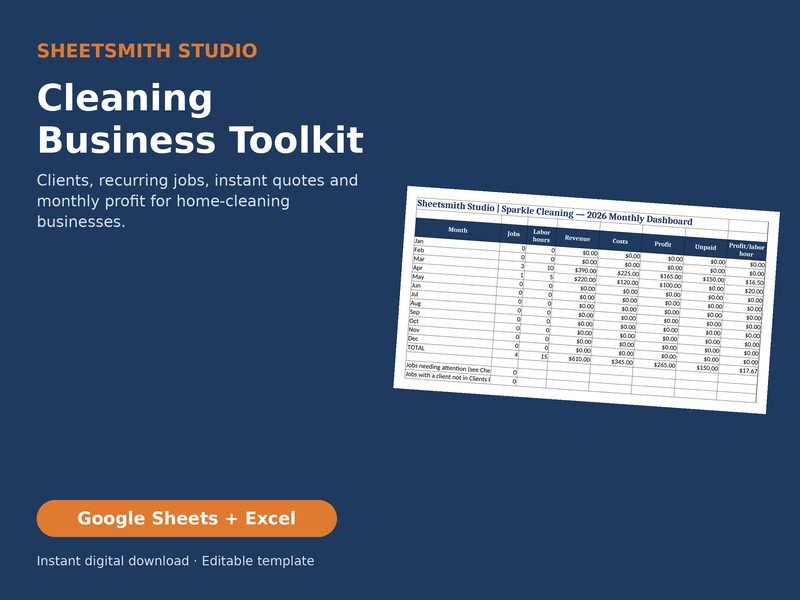
Cleaning Business Toolkit
Run your cleaning business from one workbook: clients with job frequency, instant quotes and real profit.
$19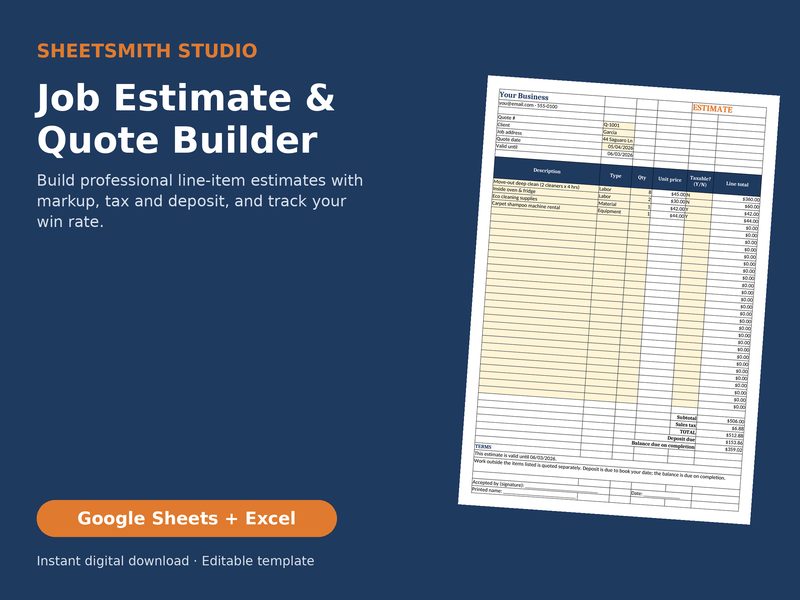
Job Estimate Quote Builder
Send professional estimates in minutes and know your win rate.
$15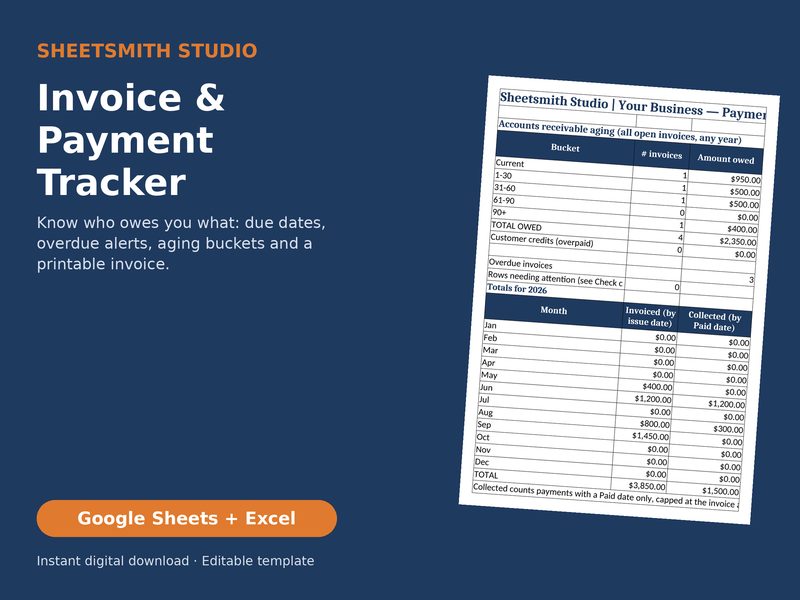
Invoice Payment Tracker
See who owes you, how much and how late, at a glance.
$12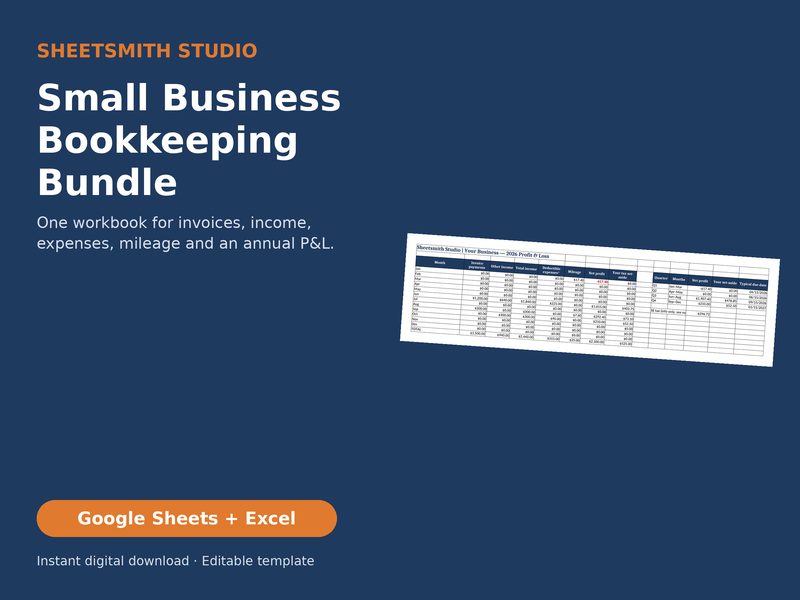
Small Business Bookkeeping Bundle
Everything a solo business needs to keep its books in one workbook.
$34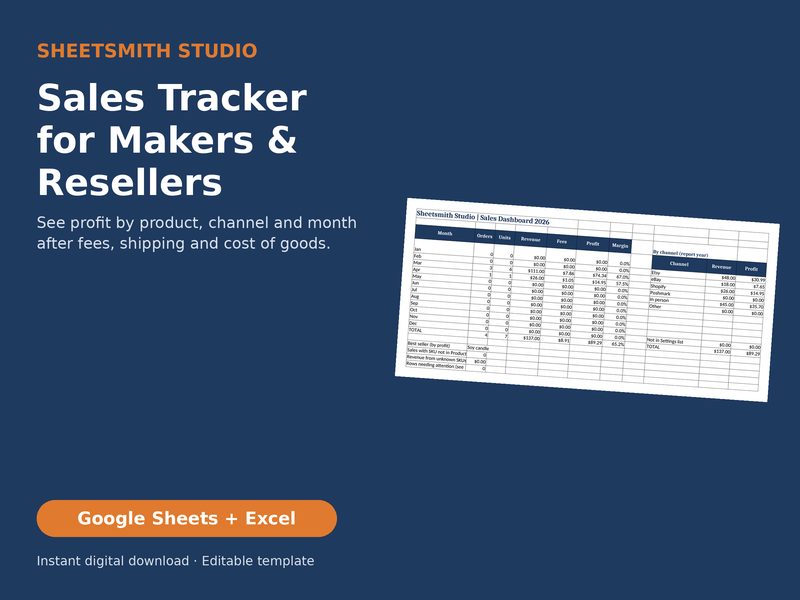
Sales Tracker Makers Resellers
Know which products and channels actually make you money after fees, shipping and cost of goods.
$12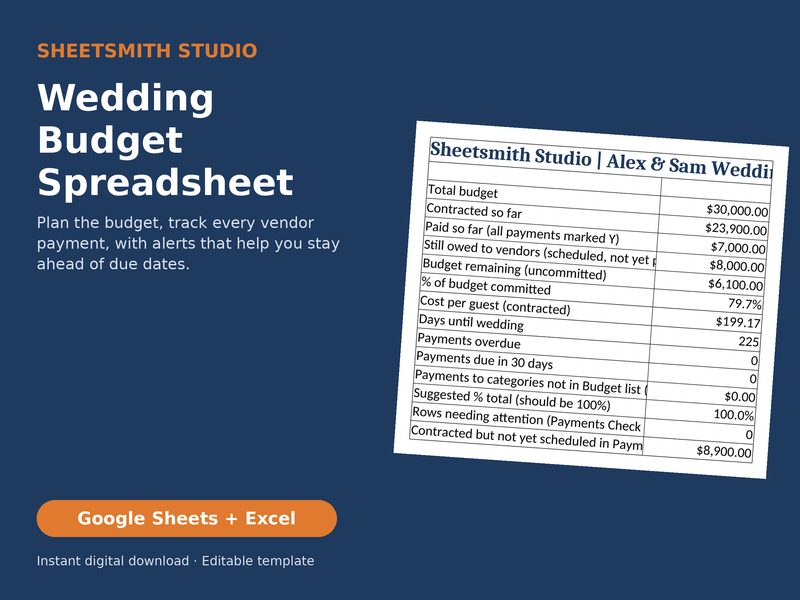
Wedding Budget Spreadsheet
Plan your wedding budget with confidence, with payment alerts that help you stay ahead of vendor due dates.
$12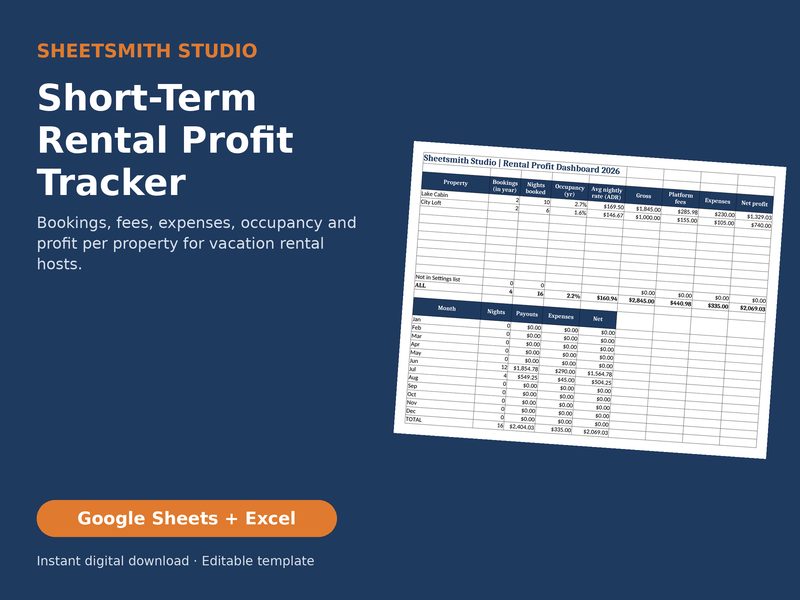
Short Term Rental Profit Tracker
Track every booking and expense and see net profit per property.
$19


How it works
Choose and check out
Pick a template and check out. It's an instant digital download; no physical item is shipped.
Make your copy
Open the PDF and click the Google Sheets "Make a copy" link to save a private copy to your own Google Drive, or open the .xlsx file in Excel 2016 or later.
Add your numbers
Read the Start Here tab, delete the sample rows, and type your numbers into the yellow input cells (white cells calculate).
Let it do the math
Totals and dashboards update as you go. Settings tabs hold your categories, rates and defaults.
Frequently asked questions
Do the templates work in Google Sheets and Excel?
Both work. Google Sheets is free, runs in your browser and makes a copy into your own Google Drive in one click. Microsoft Excel (desktop, 2016 or later, including Microsoft 365) works offline with the .xlsx file. The formulas, dropdowns and check columns work the same in both. We recommend a computer for first-time setup; phones and tablets work for quick entries.
What do I get, and how is it delivered?
Right after payment you get an instant download: the Excel (.xlsx) file plus a PDF with a Google Sheets "Make a copy" link and quick-start steps. Click the link, choose Make a copy, and the template is saved privately to your own Google Drive. Nothing physical is shipped.
Can I change categories, rates and labels?
Yes. Settings tabs hold your categories, rates and defaults. Formula cells are locked without a password to prevent accidents; use Review → Unprotect sheet (Excel) or Data → Protect sheets and ranges (Sheets) to customize more.
What is your refund policy?
Because our templates are digital downloads, returns and exchanges aren't accepted. If your file won't open or something isn't working, email us and we'll fix or replace it, or help you get set up. This doesn't affect your statutory rights.
Can I share a template with my team?
Your license covers one person or one business, including its employees and contractors, for its own records. Please don't share, resell or post the file or its Make a copy link. Email us about a multi-business license. The Wedding Budget Spreadsheet has a personal, one-household license instead; see Terms & License.
Is this tax or financial advice?
This is an organizing tool, not tax, legal, accounting or financial advice, and it doesn't calculate tax owed. Results depend on the numbers you enter. Talk to a qualified professional about your own situation.
Instant digital download. See Terms & License and our refund policy.